Too little context
A request such as “make something cool” leaves too much of the decision undefined. Add the scene, pacing, audience, and reference.
How to use Tunee
Learning how to use Tunee starts with the intended job, then gives the agent enough context to make useful choices. This guide explains how to use Tunee to reach a reviewable draft while keeping human judgment, credit control, and rights checks in the process.
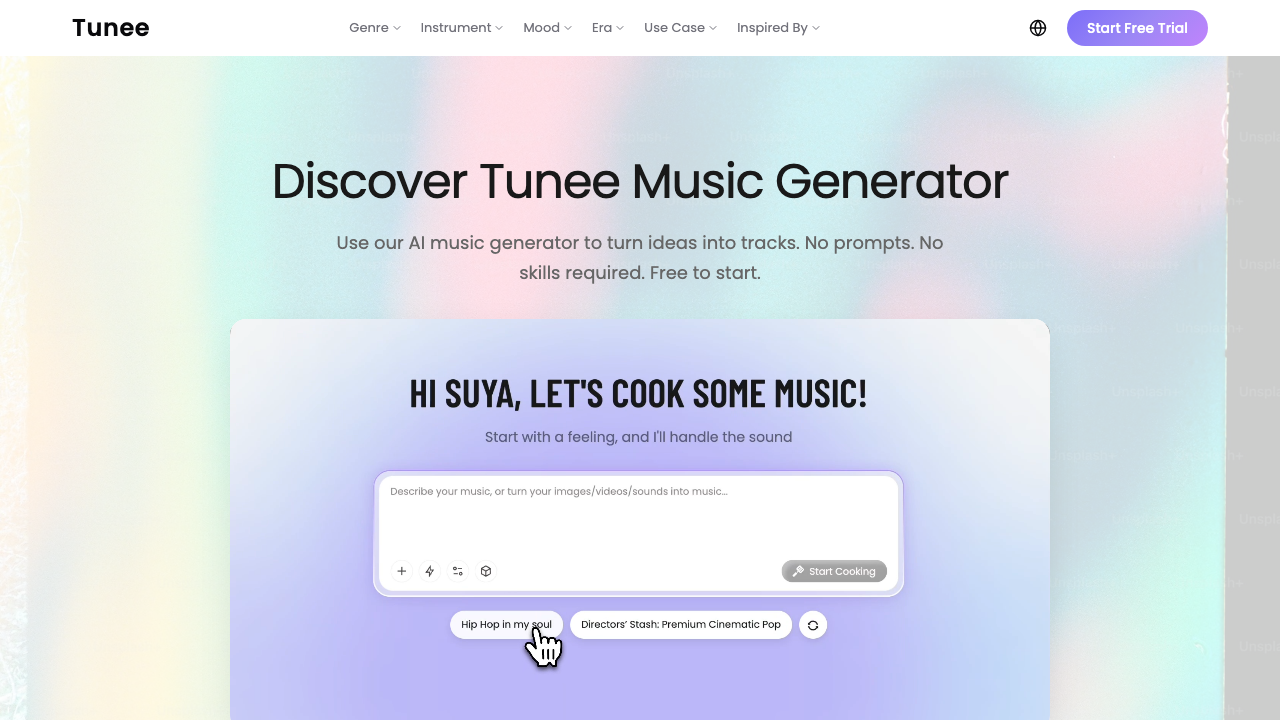
Repeatable process
Write down where the music will be used, the audience, the target length, and what “good enough” means. For a game, describe the scene; for an ad, describe the cut and brand tone.
Give Tunee a mood, genre, instruments, energy, references, and constraints. Upload an image, audio clip, melody, or video only when it adds information.
Choose the direction that solves the brief. Do not spend credits refining a track that misses the job simply because its preview sounds attractive.
Use the available music, mastering, stem, or video tools only when they improve the actual deliverable. Check the current credit cost before each expensive step.
Before publishing, confirm the account plan, commercial-use language, attribution, watermark, duration, format, and any rights attached to uploaded references.
Common failure points
A request such as “make something cool” leaves too much of the decision undefined. Add the scene, pacing, audience, and reference.
Credits can disappear while you chase tiny changes. Save a strong direction before asking for another version.
Do not finish a campaign or video before checking whether the current plan permits the intended use.
Result and alternatives
After one cycle, you should have a brief, a selected direction, a reviewable output, and a record of credits and export terms. That evidence tells you how to use Tunee again or whether to switch.
Continue with Tunee when
You can reach the intended sound with manageable iteration, the output path is clear, and the current rights language covers the job.
Use an alternative when
You need deeper parameter control, a documented API or SLA, a specialist editing timeline, or rights language that Tunee does not clearly provide.
How to use Tunee FAQ
Start with one real brief, compare early directions, and check the displayed cost before mastering, stems, or video work.
Add an image, audio clip, melody, or video only when it clarifies the intended result. Confirm you have permission to upload the reference.
Measure whether the output solves the brief, how many iterations it took, what credits were consumed, and whether export and rights terms are acceptable.
Source basis: official Tunee product and FAQ pages checked July 24, 2026.
Next step
The official product is the place to test current model access, credits, and export behavior.
How to use Tunee record
The practical way to learn how to use Tunee is to keep one compact record: the input, chosen result, credit cost, export settings, and rights check.
A teammate learning how to use Tunee should see the original brief and why one direction was accepted, not merely copy the final prompt.
Repeat the rights, credit, and export review when the product workflow, account plan, or intended use changes.