Start with music
If the audio is still an idea, use the Tunee music generator guide first. Lip sync should follow a track that has a clear audience and delivery purpose.
Tunee AI lip sync generator
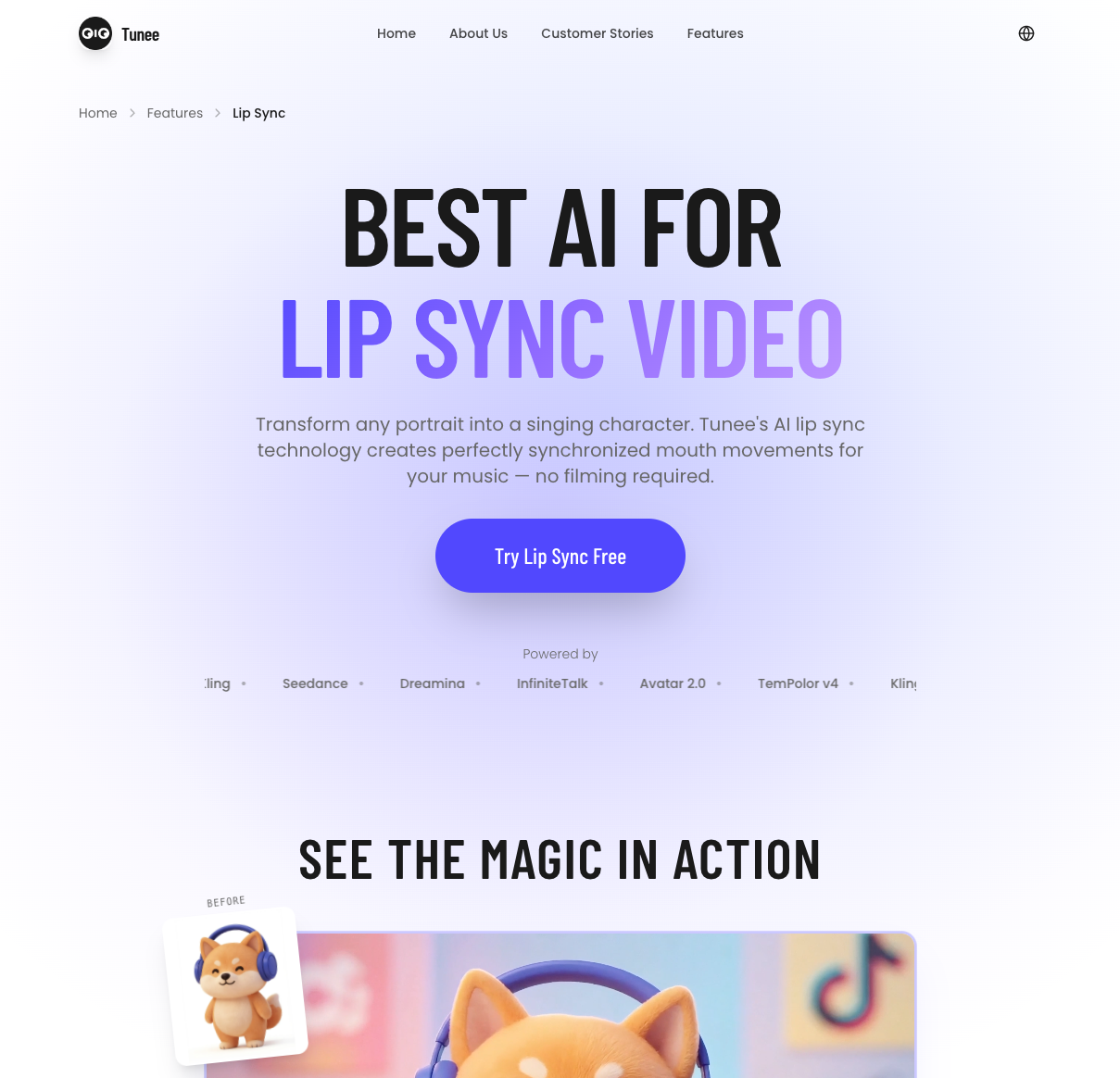
The Tunee AI lip sync generator is positioned for turning a portrait or character image and a music track into a singing video with synchronized mouth movement. The official Tunee AI lip sync generator page describes the workflow; this independent guide focuses on the inputs, checks, and tradeoffs that determine whether the result is useful for a real short video.
Tunee's feature description is not an independent quality, speed, or rights test.
Quick answer
According to Tunee's official lip-sync page, you upload a portrait, add music, and generate a video in which the character's mouth follows the vocal performance. The Tunee AI lip sync generator is therefore an image-plus-audio workflow, not a complete music production brief. The page currently describes lip-sync videos of up to 60 seconds. That is a product description, not evidence that every portrait, language, vocal mix, or account will produce a publishable result.
Good fit
Use caution
Inputs and workflow
Use one front-facing image with a visible mouth, consistent lighting, and permission to animate the person or character. A clean source makes the Tunee AI lip sync generator output easier to judge than a busy promotional image.
Pick the section that matters to the audience. Record the track name, length, vocal presence, and intended platform so the Tunee AI lip sync generator result can be compared against the brief.
Check mouth timing, facial stability, eyes, background changes, audio sync, resolution, watermark, and export settings. Save the account and credit information shown by the Tunee AI lip sync generator at generation.
The official page is the source for the product workflow. The review step remains ours: a synchronized mouth from the Tunee AI lip sync generator is only useful if it survives the platform, audience, and rights checks that follow.
Verified facts
| Question | Evidence checked | Practical implication |
|---|---|---|
| What is the input? | Tunee describes a portrait or image plus music for the Tunee AI lip sync generator. | Prepare both assets and confirm you have the right to use them. |
| What is the output? | The feature page describes a singing-character lip-sync video from the Tunee AI lip sync generator. | Judge the complete clip, not only a still frame or gallery example. |
| How long can it be? | The page currently mentions up to 60 seconds. | Confirm the live account limit before planning a longer release. |
| Is it commercially cleared? | Tunee's public materials use plan-specific rights language that needs checking. | Read the current agreement and account terms before publishing. |
Decision support
If the audio is still an idea, use the Tunee music generator guide first. Lip sync should follow a track that has a clear audience and delivery purpose.
For a broader visual draft, compare the Tunee AI music video generator workflow and its format checks.
Use the Tunee pricing notes and live account to confirm credits, plan access, exports, and current rights wording.
The Tunee AI lip sync generator is most useful as a bounded visual experiment. A useful Tunee AI lip sync generator review keeps a record of the image, audio, setting, credit use, and final export so a second test is comparable.
FAQ
The official workflow starts with a portrait or image, but the Tunee AI lip sync generator does not guarantee a stable result for every face, angle, crop, or character design. Use a clear test image and review the full clip before choosing it for a release.
Use a short, representative section with a clear vocal or melodic signal for the Tunee AI lip sync generator. Keep the track permission and intended use documented, then confirm how the current account handles uploaded references.
No. Tunee describes synchronized mouth movement, but this guide has no independent benchmark for Tunee AI lip sync generator timing, facial stability, or generation speed. Check the actual output against your brief.
Do not infer clearance from a feature page. Check the current plan agreement, rights language, attribution requirements, and permission for the portrait and music before distribution.
Next step
Open Tunee only after you have a permitted image, a short audio brief, and a checklist for the Tunee AI lip sync generator's sync, export, credits, and rights.
Closing decision