Tempolor v4.6 - music
Tunee lists Tempolor v4.6 under Music in the Tunee AI models directory. Use it as the starting point for a song, soundtrack, or audio brief, then check the music generator workflow for inputs, refinement, and export questions.
Tunee AI models
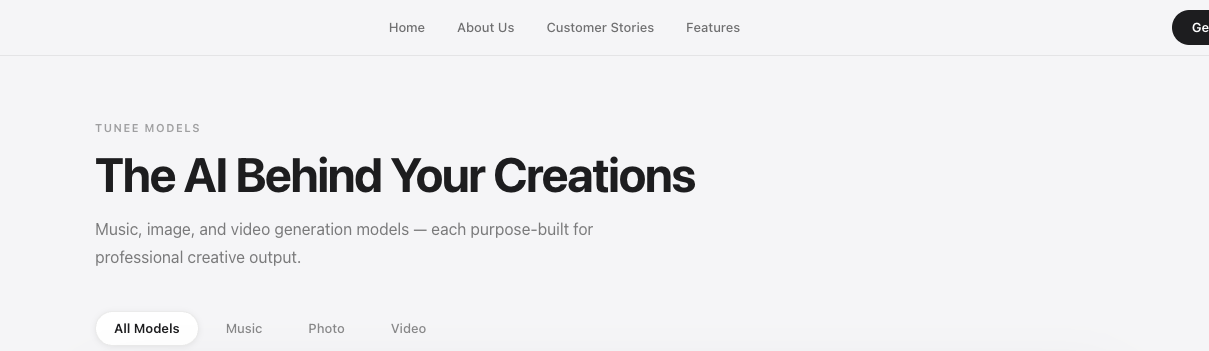
The Tunee AI models page groups model choices around music, image, and video creation. The current Tunee AI models directory lists Tempolor v4.6 for music, Nanobanana Light for images, and Seedance 2.5 and Omni for video. This independent guide explains what the Tunee AI models directory helps you decide, which official claims are changeable, and what to verify before building a repeatable workflow.
Model names, availability, limits, and plan access can change.
Quick answer
Answer: according to the official models page, Tunee separates its Tunee AI models into Music, Photo, and Video categories. The current directory names Tempolor v4.6 for music, Nanobanana Light for image production, and Seedance 2.5 and Omni for AI video. The Tunee AI models directory is useful for finding a starting point, but a model name alone does not answer cost, credits, queue time, output rights, or whether a model is available on your plan.
Use the directory to
Do not infer
Model map
Tunee lists Tempolor v4.6 under Music in the Tunee AI models directory. Use it as the starting point for a song, soundtrack, or audio brief, then check the music generator workflow for inputs, refinement, and export questions.
The Tunee AI models page places Nanobanana Light under Photo. That may matter when an image is the source for a character, cover, or visual reference; review permission, consistency, and the final handoff rather than judging a model card alone.
Tunee groups Seedance 2.5 and Omni under Video. Tunee AI models for video can also involve motion control, AI dancing, or lip sync; choose the page that owns the actual decision.
Official facts and changing claims
| Current listing | Official description observed | Live check before use |
|---|---|---|
| Tempolor v4.6 | Listed in the Music category in the Tunee AI models directory. | Confirm access, credit cost, audio outputs, and rights for your plan. |
| Nanobanana Light | Listed in the Photo category for image production among the Tunee AI models. | Check input permissions, image limits, export, and consistency for the intended use. |
| Seedance 2.5 | Presented as a flagship video model in the Tunee AI models list; the source currently mentions 30-second 4K output, 50 reference inputs, region-level editing, and native audio sync. | These are changeable official claims. Verify the current model screen and account limits before planning production. |
| Omni | Listed in the Video category alongside Seedance 2.5 in the Tunee AI models directory. | Confirm the current capability description and which workflows expose it. |
Selection workflow
Write the target audio, image, or video format, audience, duration, and delivery platform before choosing among the Tunee AI models.
Save the Tunee AI models name, prompt or reference, resolution, aspect ratio, and any visible credit estimate. This keeps comparisons fair.
Check sync, continuity, identity, artifacts, audio, and export. The Tunee AI models card cannot tell you how much manual work the result needs.
Before publishing, recheck plan access, rights, attribution, retention, refunds, and any task-specific limitation in the live Tunee AI models account.
The Tunee pricing guide covers cost questions, while the features guide explains how switching among Tunee AI models affects a broader workflow.
FAQ
The official Tunee AI models page currently lists Tempolor v4.6 in the Music category. Confirm that the name, access, credit cost, and output terms shown in your account still match before planning repeated work.
Nanobanana Light is currently listed under Photo in the Tunee AI models directory. The listing does not replace a check of image permissions, input limits, export settings, or whether the resulting asset fits your intended release.
Tunee currently presents Seedance 2.5 among its Tunee AI models as a flagship video model and mentions specifications such as 30-second 4K output, 50 references, region-level editing, and native audio sync. Treat those as dated official claims, not independent test results.
Model exposure can depend on the workflow and account. Check the current Tunee AI models selector, plan, credits, and feature page rather than assuming that every listed model is available for every task.
Next step
Open Tunee with a defined output, record the Tunee AI models entry shown, and compare the result against quality, cost, cleanup, and current rights requirements.
Closing decision